
Datelight for Android: Retro Date Stamps for Photos Worth Sharing
By Zeeshan Khalid · · 5 min read
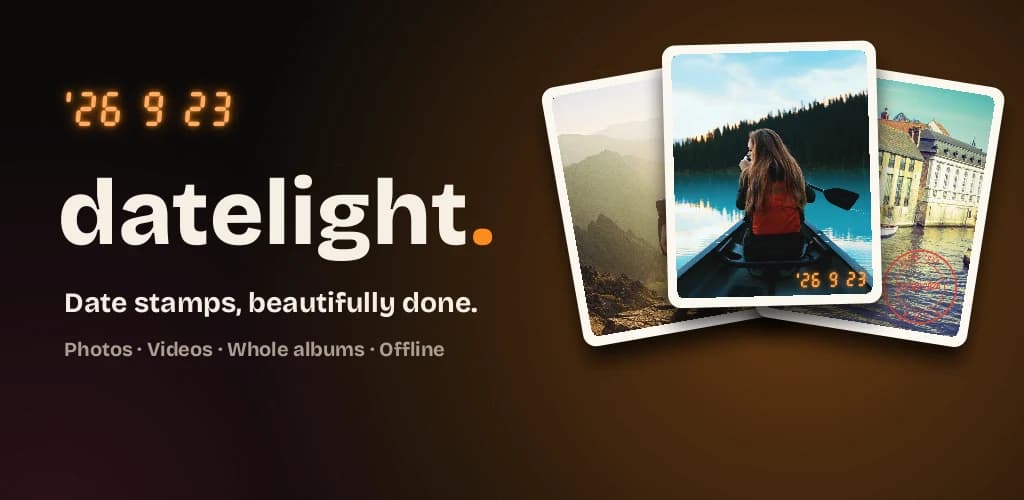
A favorite photo can bring a whole day back: a quiet lake, a birthday cake, a weekend you still talk about. But the date is easy to forget. Old compact cameras put it right on the picture in glowing orange digits.
Datelight brings that ’90s camera feeling to the photos already on your Android phone. Add a date, a personal caption or an emoji, then save a copy ready for a family chat, a travel post or a printed keepsake.
From the maker: I build both Datelight and QR Brand. This is an introduction to my own Android app. Single-photo stamping is free; optional Pro purchases add more looks, batches and video.
Free photo stamping. No ads. No account. No watermark.
Get Datelight free on Google Play
Android 10 or later · Optional Pro purchases through Google Play
A little context makes the photo yours
“Our first trip together.” “Birthday pancakes.” “Finally made it.” A few words can bring back what a picture meant, not just what it showed.
Choose a photo, add your date or words, and adjust the stamp’s color, size and opacity. Drag it into position. Keep the original untouched and save a new stamped copy.
Start with the free Film look
Film adds the orange date digits of a retro compact camera. You do not need to take the picture again: try it on a vacation photo, a candid shot or a sunset already in your gallery.
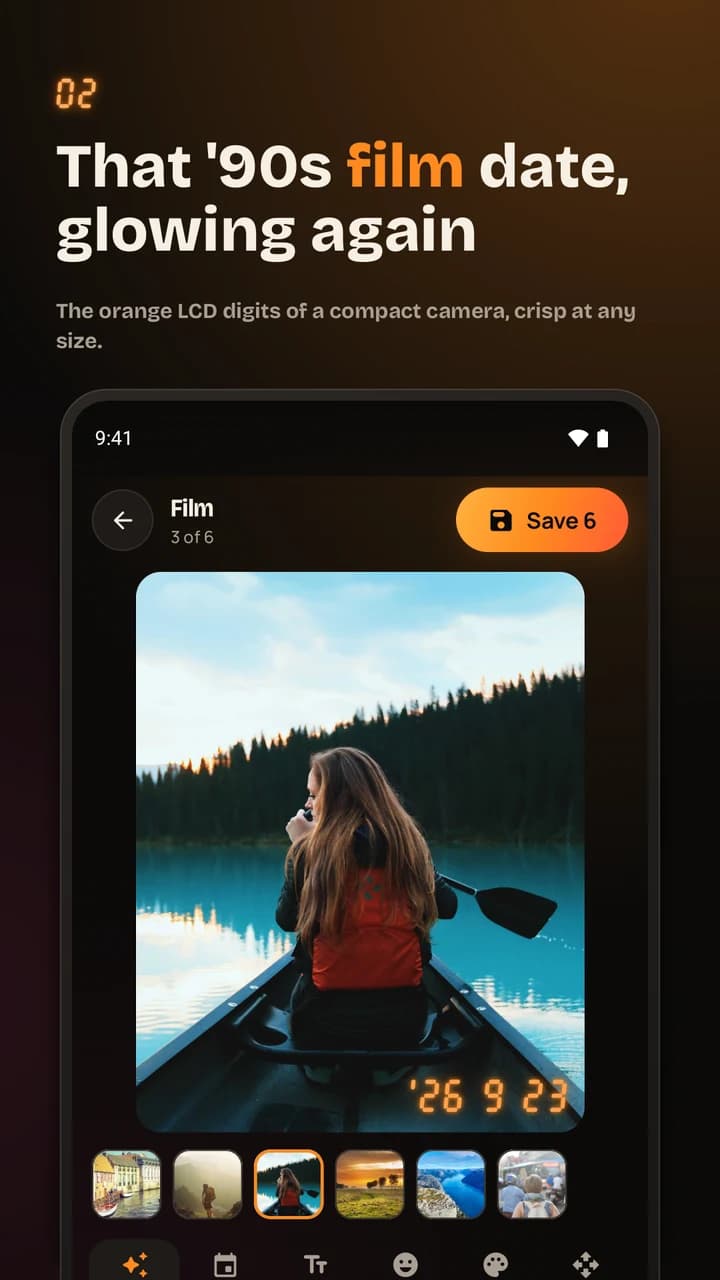
Three looks are included free. Across free and Pro, there are nine: Film, Clean, Capsule, Proof, Postmark, Editorial, Neon, Script and Label. Choose a quiet date or a more expressive stamp to suit the picture.
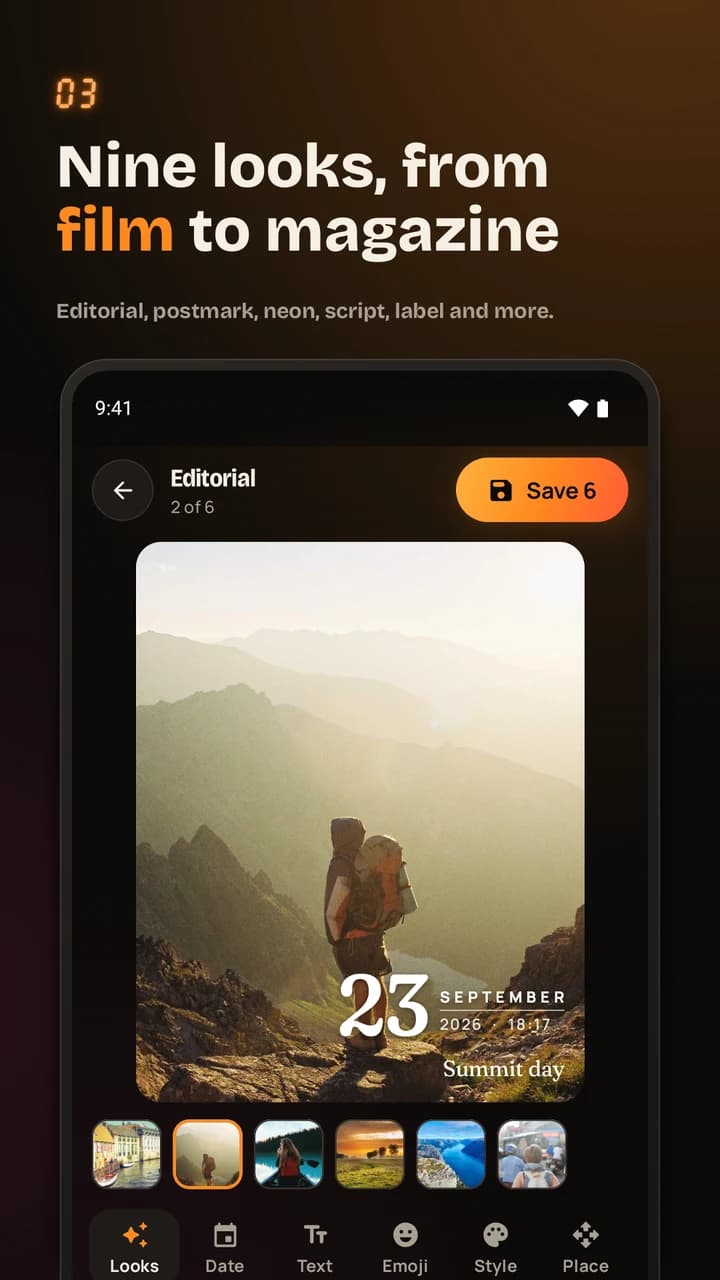
Use the date of the memory
Editing last summer’s vacation photo should not mean stamping it with today’s date. Datelight can use the original capture date when it is available in the photo’s metadata. You can also pick the date and time yourself or use the current moment.
Downloaded and edited images may be missing that information. Check the date before saving, and choose it manually if needed. A visible stamp is a caption for the memory, not proof of when an event happened.
Your photos stay on your device
Select the images you want to edit with Android’s photo picker. Processing happens on your phone; Datelight does not upload your pictures to an editing service and has no account, ads or tracking.
Saving makes a copy and leaves the original untouched. Free photo exports retain full resolution and have no watermark. Optional payments are handled through Google Play.
What is free, and what does Pro add?
| Included free | Available with Pro |
|---|---|
| Stamp photos one at a time | Batch up to 100 photos |
| Three looks, including Film | All nine looks |
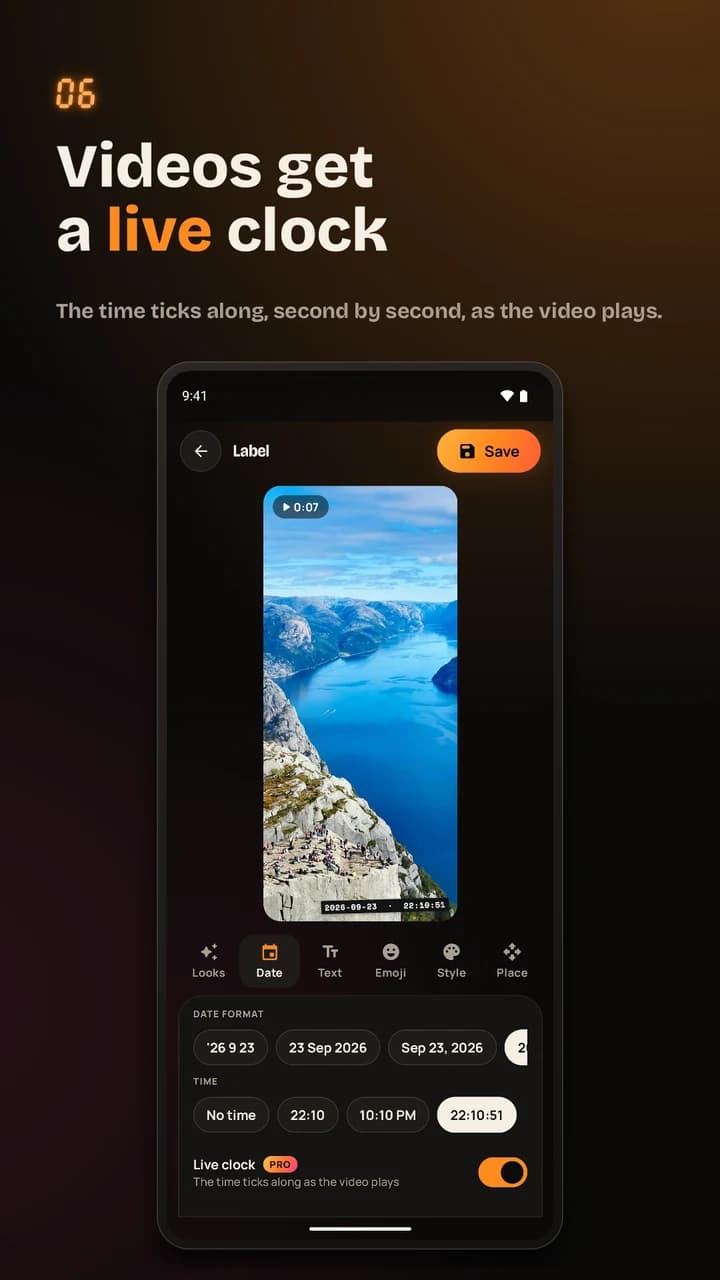
| Dates, captions, emojis and placement controls | Video stamping with a live clock |
| Full-resolution photo exports without a watermark | More styles and media with the same customization tools |
Pro is optional, with subscription and one-time lifetime purchase options. Check the app for current Google Play prices and offers.
Make your first stamped photo
- Install Datelight on a compatible Android device.
- Choose a photo you want to keep or share.
- Pick a look, check the date and add a caption or emoji if you want.
- Position the stamp and save a new copy.
Start with one memory. A small stamp can be enough to make the moment feel like a print you will find years later.
From a keepsake to a picture people can explore
A date tells someone when a picture was taken. A QR code can point them toward more: a travel diary, an event page or a shared album you choose to make accessible.
Save your stamped photo from Datelight, then use QR Brand’s image tool to add a QR code to a separate copy. Place it away from the stamp, keep its clear border and test the exported result. Share only an album or page you intend other people to access.
If you just need a date stamp in a browser, try the Game Funtastic photo date-stamp tool. For more of the story behind the app, read our Datelight introduction on Game Funtastic, my sister site.
Put the moment on the picture.
Get Datelight free on Google Play
Free photo stamping with optional Pro purchases. Datelight requires Android 10 or later.